Closest & cheapest, side by side
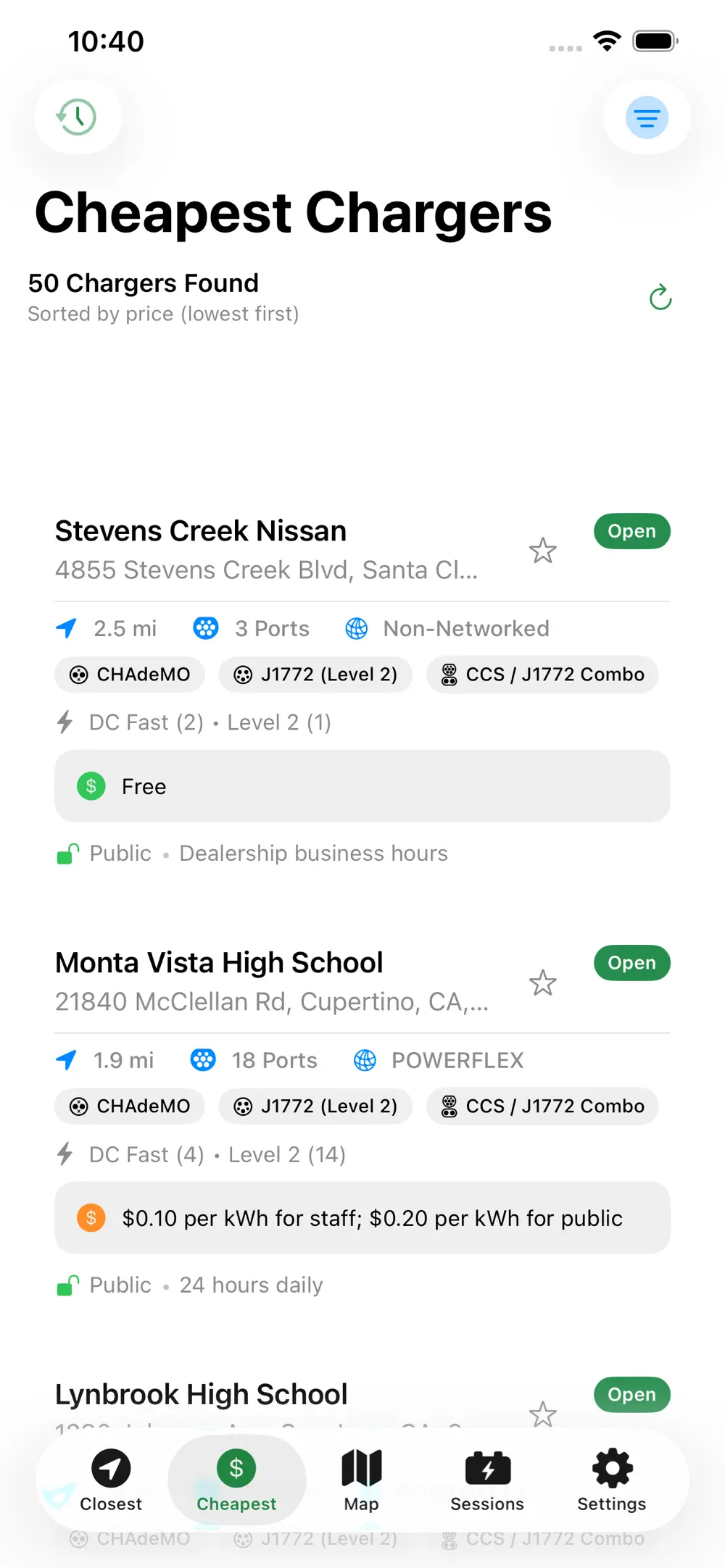
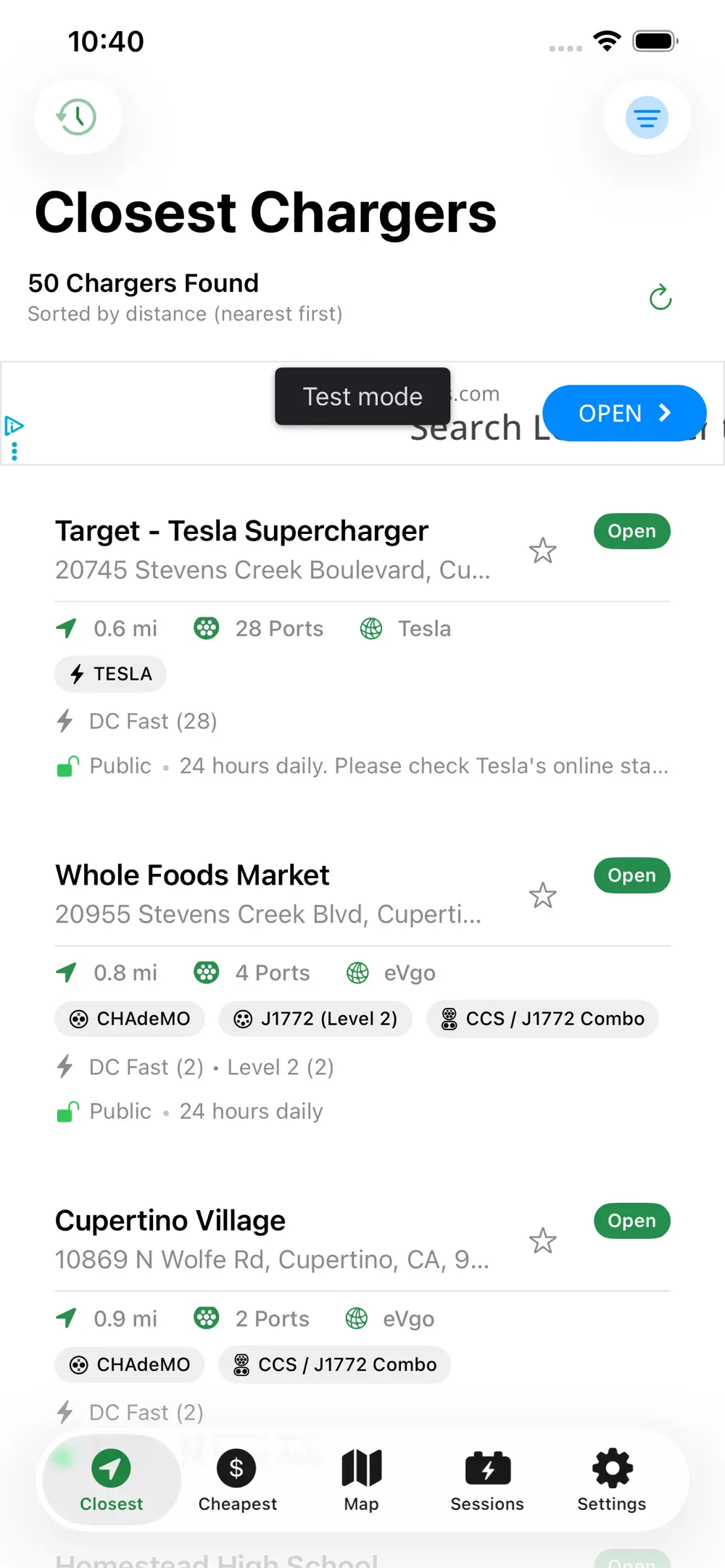
Two clean tabs answer the only two questions you have at the wheel.
For iPhone & CarPlay · Free
WattsNear shows you the closest and cheapest EV chargers — live from the U.S. Department of Energy. Free on iPhone and CarPlay. No account, no tracking.
Built for drivers
One free app. Every network. Every charger. Sorted the way drivers actually think: how close is it, and how much will it cost?
| Typical EV apps | WattsNear | |
|---|---|---|
| Account required | Email & password | No sign-up |
| Networks | One network only | Every network |
| Your location | Sold to ad networks | Stays on your phone |
| Finding a charger | Cluttered map first | Closest & cheapest, one tap |
| Price | Paid pro tier | Free forever |
Features
Built on live NREL data — the same charging-station database the U.S. Department of Energy maintains. No accounts, no servers, no tracking.
Two clean tabs answer the only two questions you have at the wheel.
NREL's messy pricing field decoded into a single $/kWh estimate you can sort by.
Tell WattsNear your battery and efficiency — see only the chargers you can actually reach.
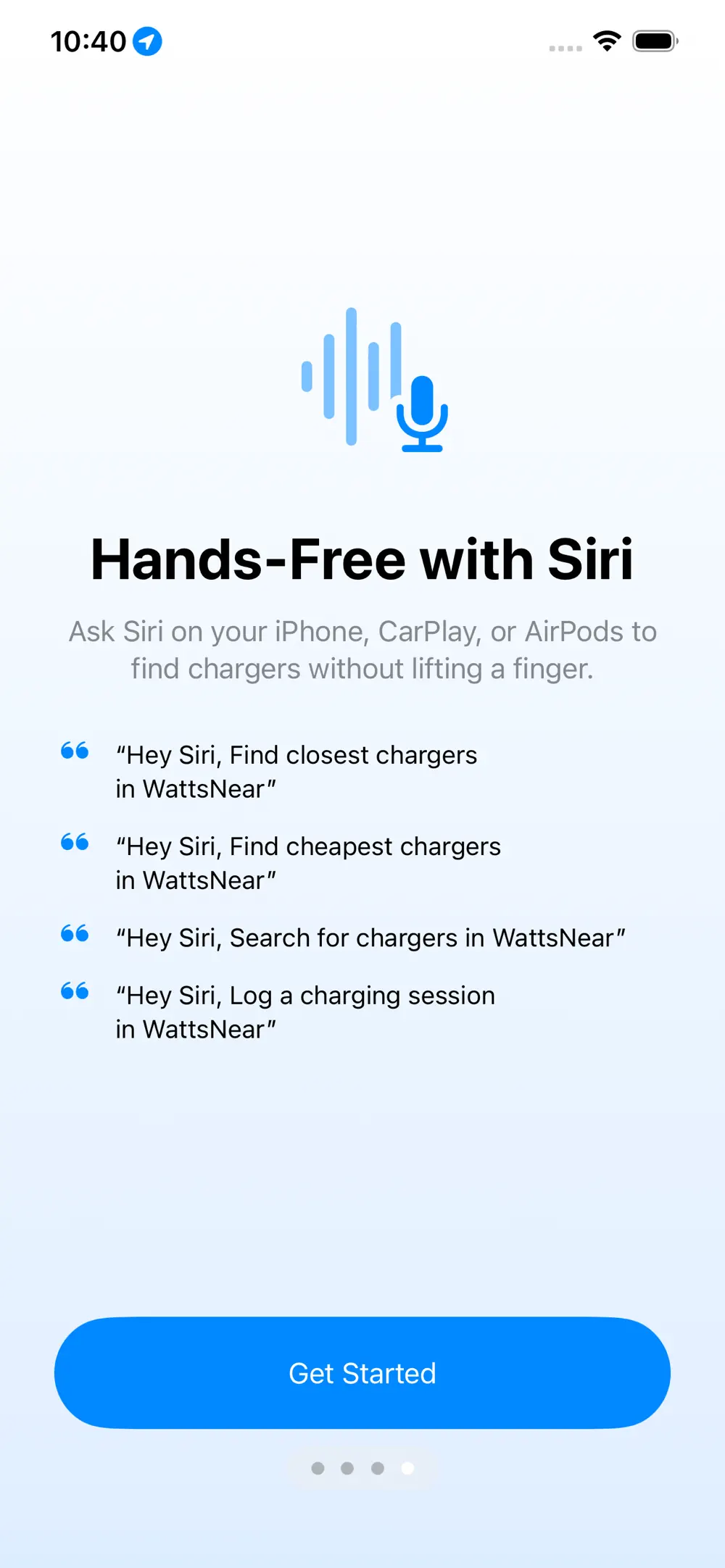
On the dash, in the home screen, hands-free. Drives like a built-in app.
NACS, CCS, CHAdeMO, J1772, Tesla. Filter by what your car actually plugs into.
No account, no servers, no tracking. Optional iCloud sync keeps your favorites with you.
CarPlay · Siri · Widget
Four tabs on your dashboard. Nearest, cheapest, favorites, search. Filters carry over from your phone. Siri finds chargers without unlocking it.
"Hey Siri, find a charger" — works on the lock screen.
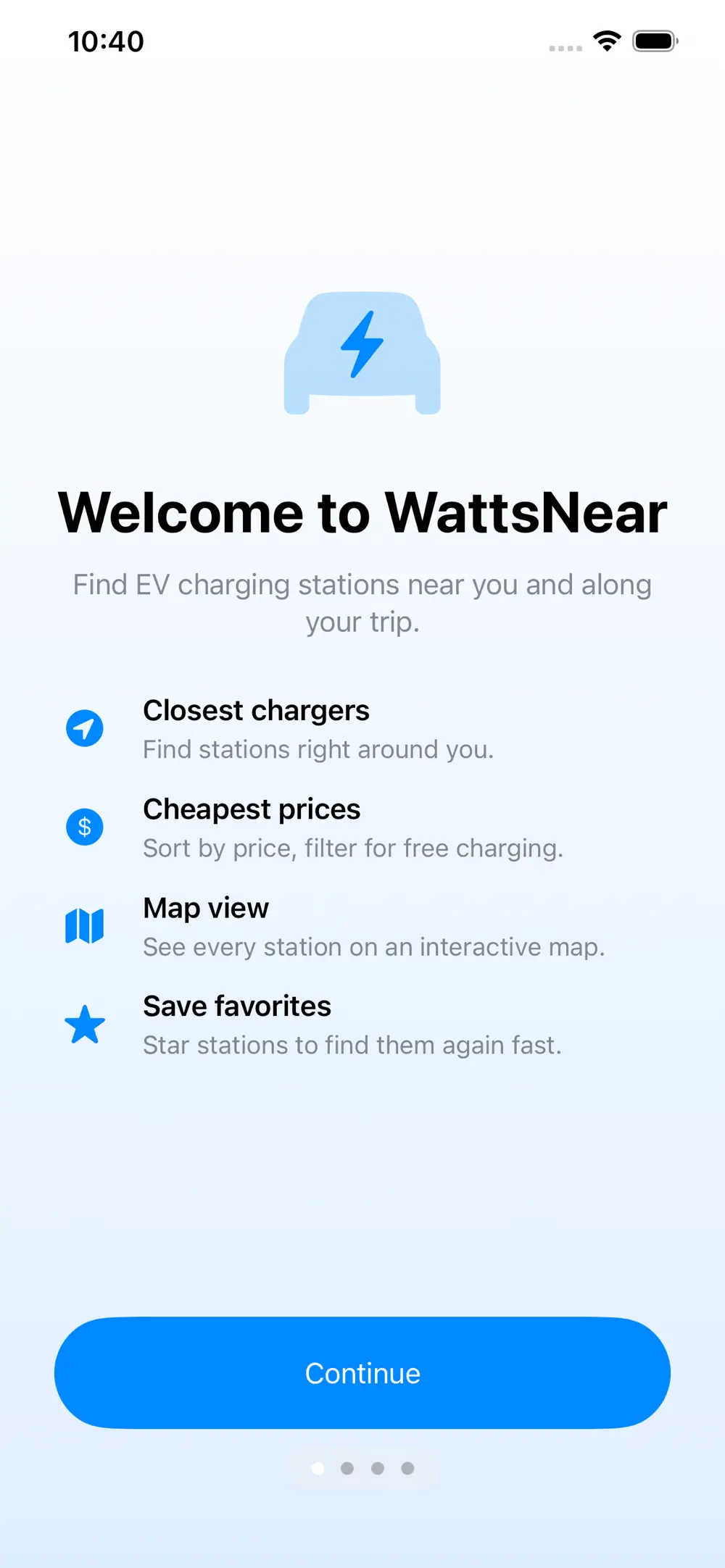
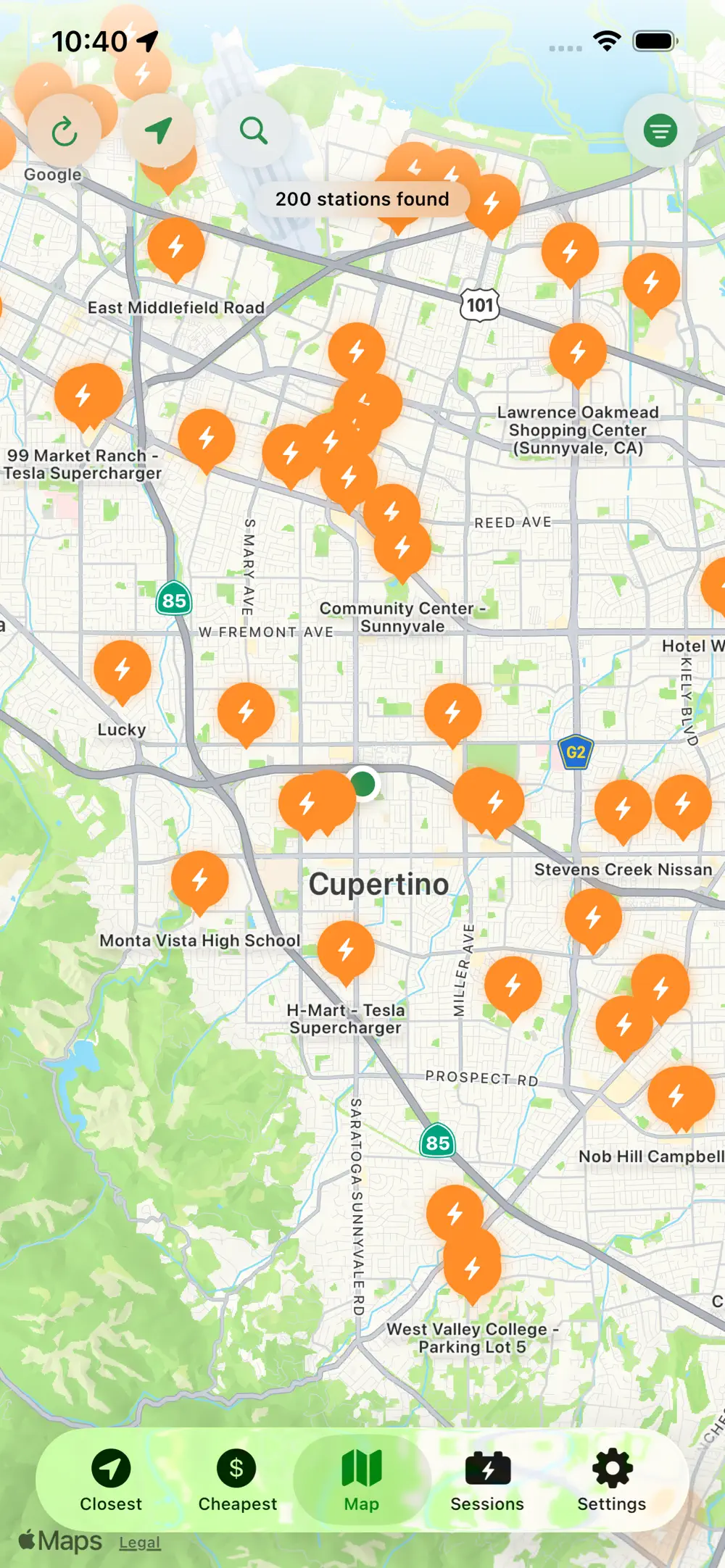
See it on iPhone
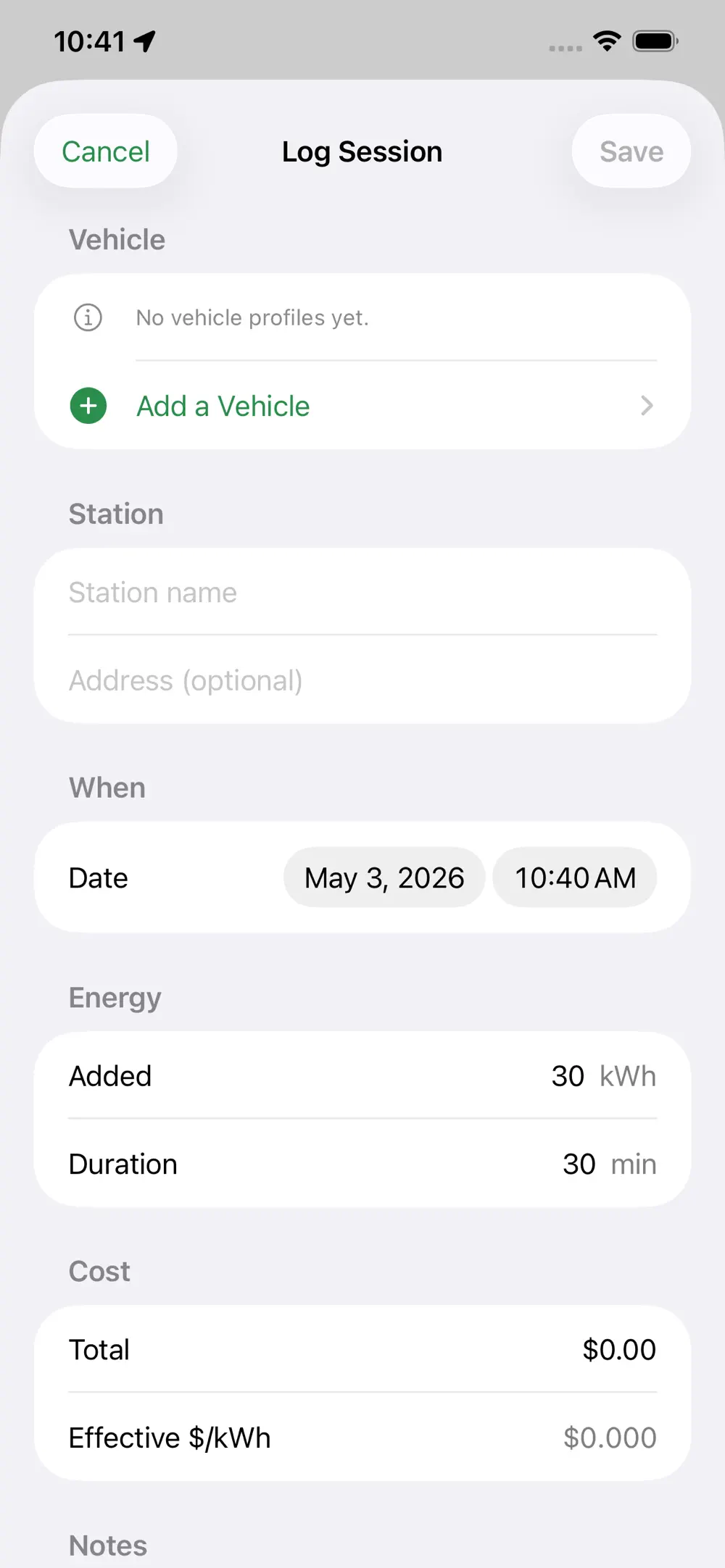
No mockups, no marketing renders — these are actual app screens.
What you'll save
Three honest scenarios — then tune the sliders for your own driving.
Daily commuter
200 mi/wk · home charging
3.5 mi/kWh · $0.18/kWh · vs $4.20/gal at 28 mpg.
~$1,028/yr
saved on the way to work
Road tripper
12,000 mi/yr · blended
Mixed home + DCFC at $0.30/kWh · vs $4.20/gal at 28 mpg.
~$770/yr
enough for the next long weekend
Free-charger hunter
1 free L2 session/wk
15 kWh per session, filtered to "Free only" in WattsNear.
~$200/yr
in pure free electrons
Sliders update live. The same math runs inside the app's trip-range planner.
per year, vs. driving gas
Privacy you can feel
FAQ
Free on the App Store. The free version shows a banner ad; a one-time "Remove Ads" in-app purchase strips them out forever. No subscriptions, no free trial gotchas.
No. WattsNear has no sign-up, no email gate, and no servers. Install the app and you're already in.
iPhone running iOS 18 or later, plus CarPlay. A home-screen widget and App Intents (Siri / Shortcuts / Spotlight) are included.
The U.S. Department of Energy's NREL Alternative Fueling Station Locator — the same public dataset many EV apps rely on. Station info is provided by the networks themselves and may occasionally be out of date.
NREL exposes a free-text pricing field that each network fills in differently. WattsNear parses common formats (per kWh, per minute, free, member-only rates) into a single rough estimate so the "cheapest" sort is meaningful. Always verify at the station.
No. Your device sends its coordinates directly to NREL's public API to find nearby stations — we never see or store them. Favorites, history, and sessions live on your device, with optional sync through your private iCloud database.
Recent search results stay cached, so you'll see the last list you loaded. Live station data and pricing require connectivity to NREL.
Yes. NREL now includes Tesla destinations and Superchargers, and WattsNear surfaces them alongside CCS, NACS, CHAdeMO, and J1772 stations.
Yes — one toggle in the filter sheet. There are also filters for connector type, network, search radius, and station status.
Most charging apps are built by a single network for their own stations, or revolve around social features and ad-supported routing. WattsNear is the fastest path to the only two questions you have at the wheel: what's closest, and what's cheapest. No login, no tracking, every network.
Get the app
Free. No account. No tracking. Try it in the next parking lot.

Requires iPhone with iOS 18 or later. CarPlay and Siri features are optional.